Automated Escalation Policies
No manual chasing. If an incident is not acknowledged, we escalate automatically, guided fully by policies.
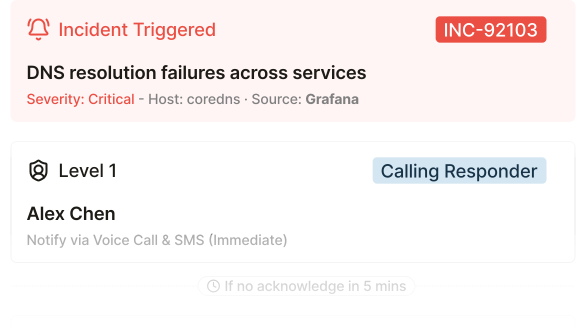
Smart on-call schedules and multi-level escalation that reach the right engineer through voice, SMS, and push, while filtering out the noise that doesn't matter.
Integrates with Slack, Microsoft Teams, Datadog, and 150+ more tools.
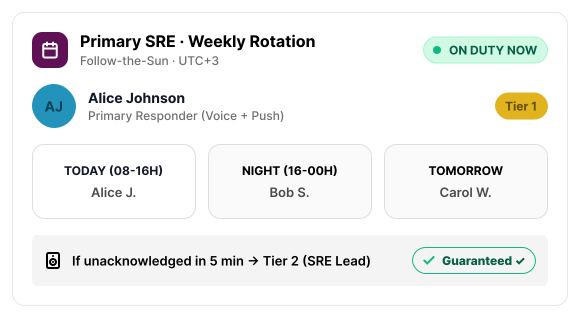
We designed the ITOC360 dashboard to be clean, intuitive, and stress-free. Configure rotations, track active shifts, and manage escalations in a single, simple workspace, requiring no training.
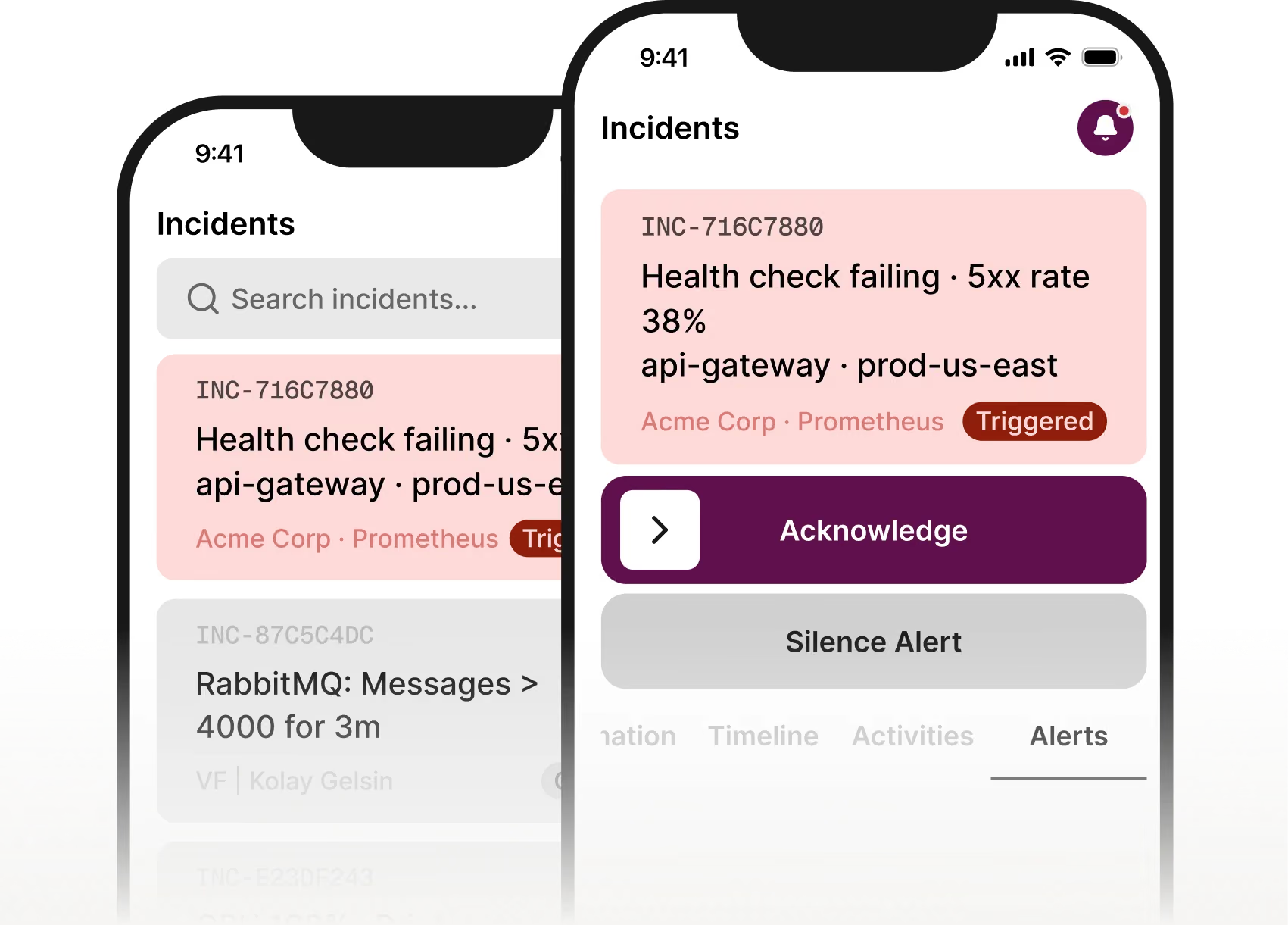
ITOC360 for iOS and Android lets your engineers acknowledge alerts, silence the noise, and respond to incidents in real time, wherever they are.


Build cascading escalation policies across voice, SMS, push, and Slack. If one responder misses it, ITOC360 escalates to the next, until someone answers. Critical outages always reach a human; low-priority noise stays quiet.
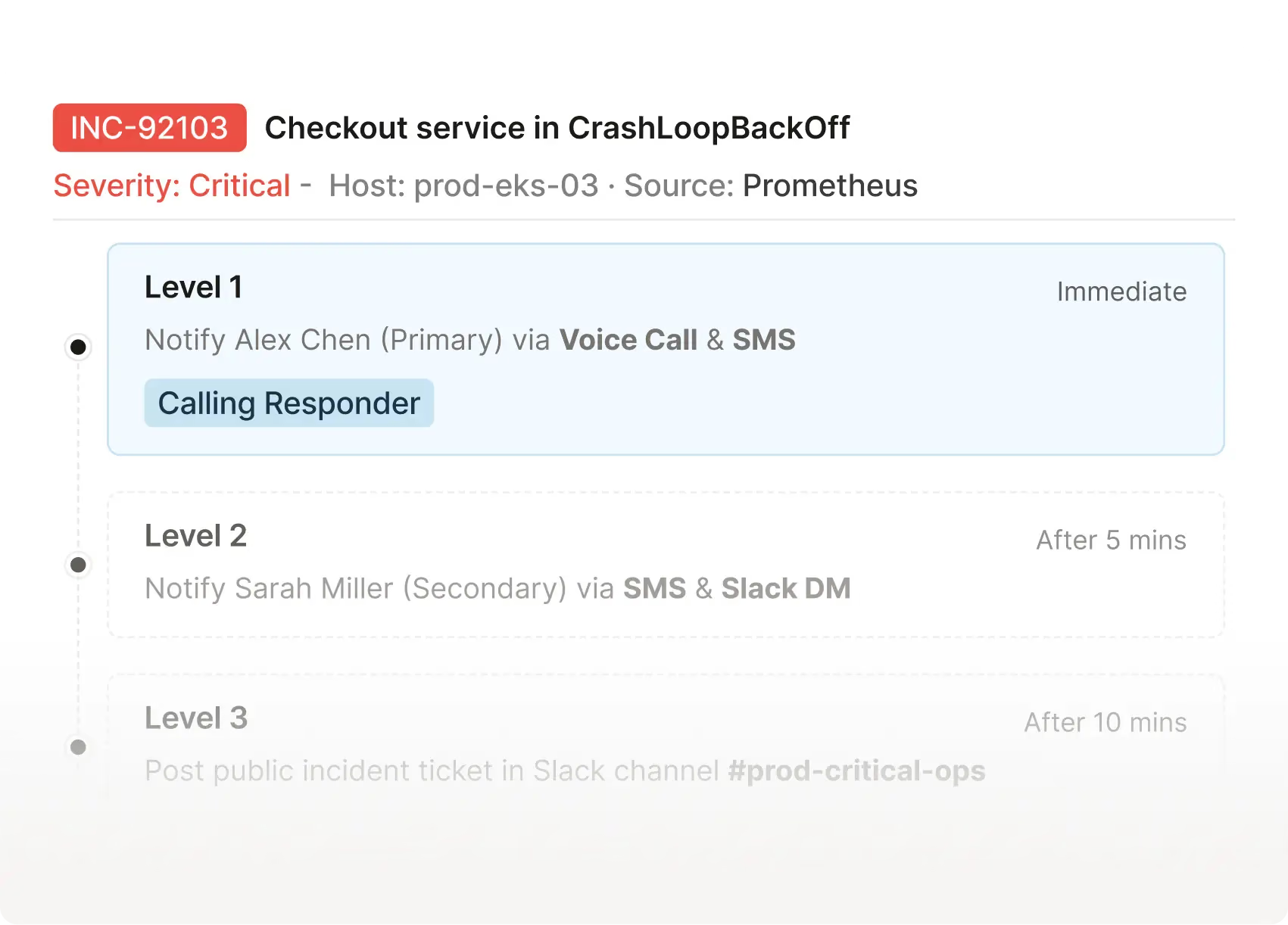
No manual chasing. If an incident is not acknowledged, we escalate automatically, guided fully by policies.
Flexible scheduling built for real teams. The system always knows who is responsible, in real time.
No more alert storms, manual escalation, or 3 a.m. guesswork. ITOC360 turns your incident response into one automated, predictable flow, from the first alert to a fully traced resolution.
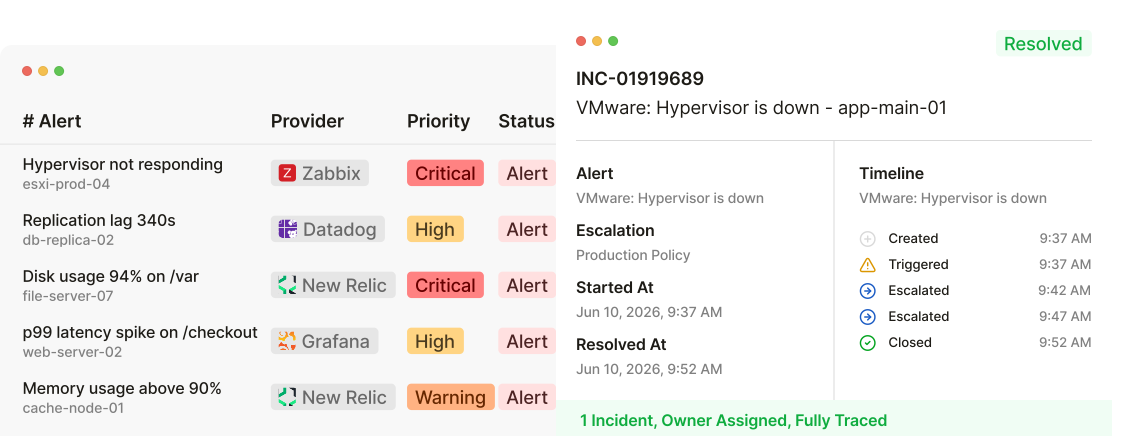
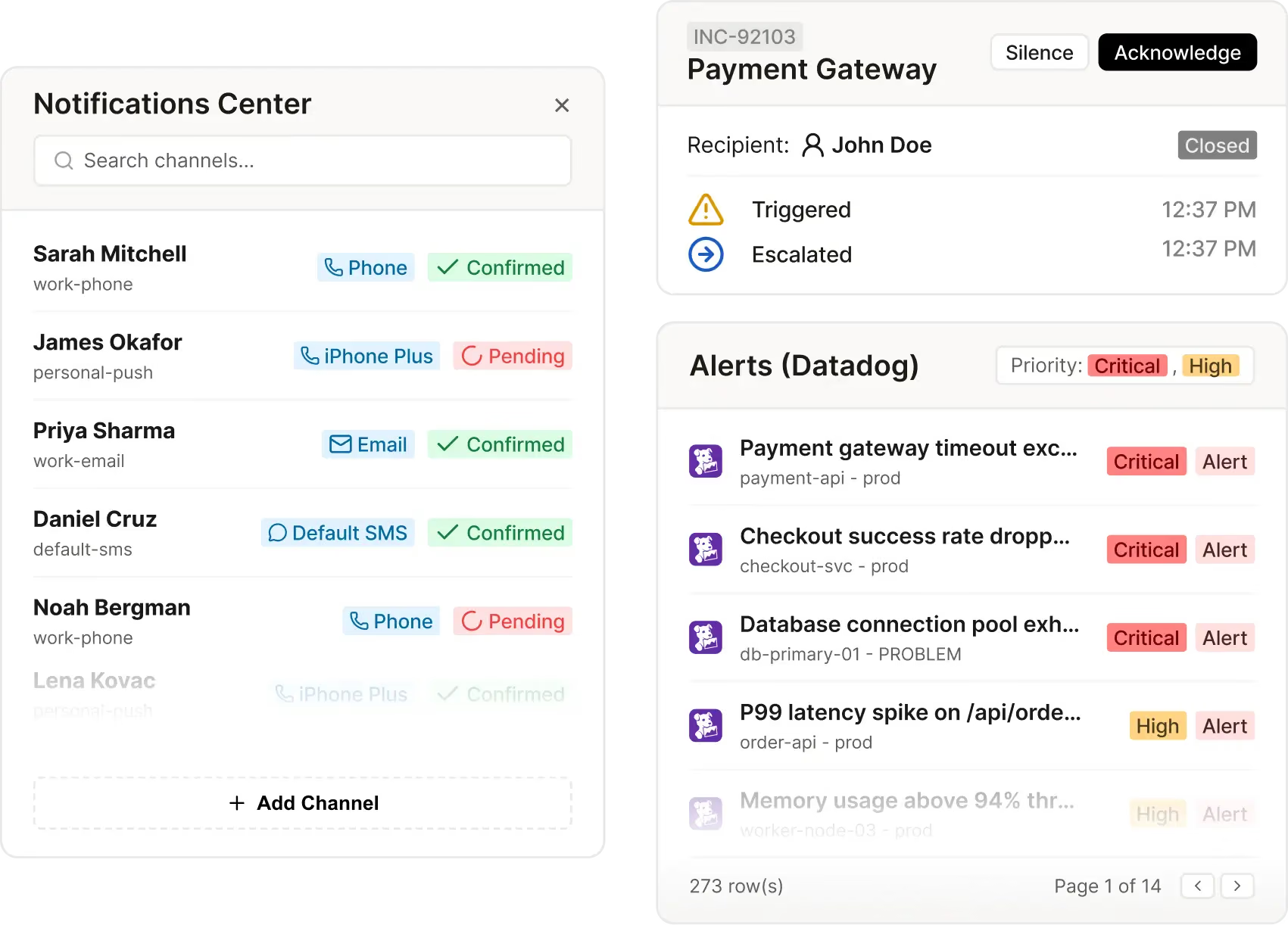
Reach responders on voice, SMS, push and Slack at once. For critical incidents every channel fires in parallel, so the right person answers in seconds, not minutes.
Priority is calculated automatically from severity, environment and service dependencies, so your team always works on what hurts the business most.
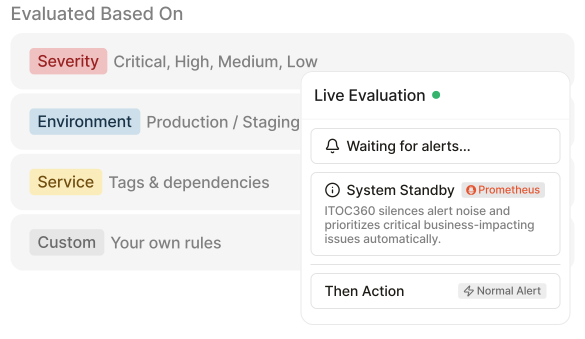
Schedule maintenance windows and mute expected alerts in advance, so planned work never wakes anyone up. Real incidents still get through.
Every action, escalation and acknowledgment logged automatically — a complete timestamped trail of who did what and when, for postmortems and compliance.
ITOC360 integrates with your monitoring, alerting, ticketing and communication tools out of the box — no custom glue code required. 150+ native integrations and growing.
View All IntegrationsITOC360 aggregates alerts based on labels, resources, and timestamps using machine learning models to prevent duplicate notifications and group alert storms into a single actionable incident.
Yes. You can define custom shift overrides, holiday rotations, and backup schedules directly within the timezone-aware calendar settings.
ITOC360 supports instant notifications through voice phone calls, SMS, push alerts, Slack, Microsoft Teams, email, and custom Webhooks.